










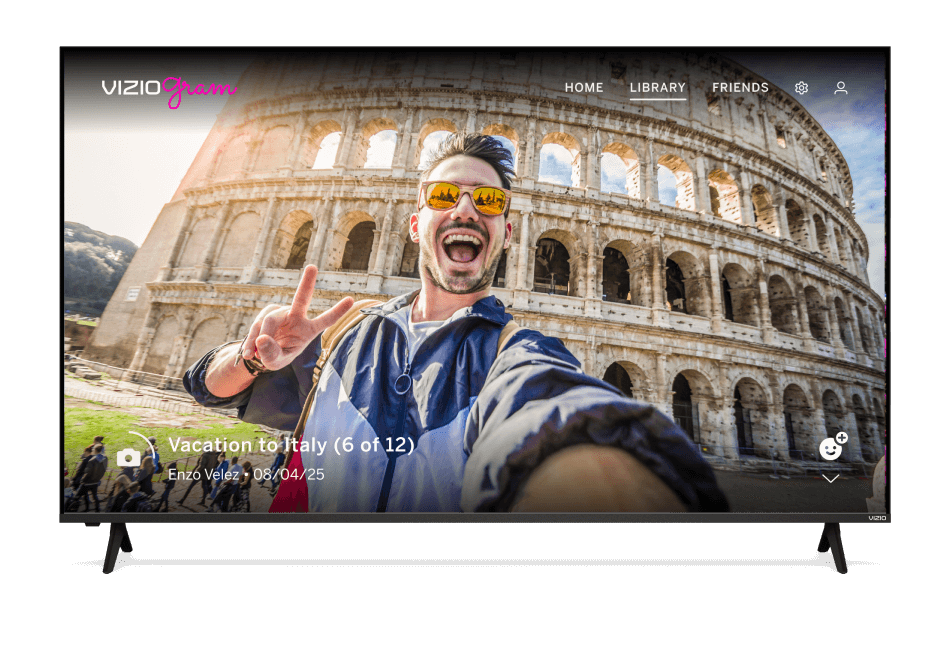


Smart streaming
starts here
Now get more from your TV
with a Walmart account
Sign in or create to get started
Save time.
Save money.
Get exclusive offers, manage subscriptions, and enjoy personalized support—all in one place.

Get exclusive perks
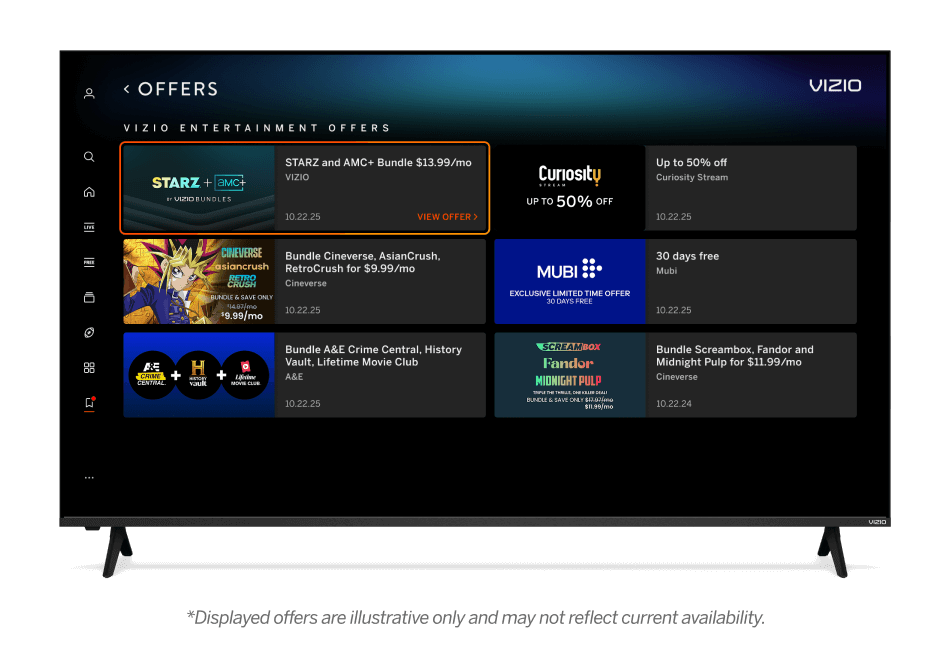
Unlock exclusive discounts on streaming apps, product bundles, and more.
Displayed offers are illustrative only and may not reflect current availability.
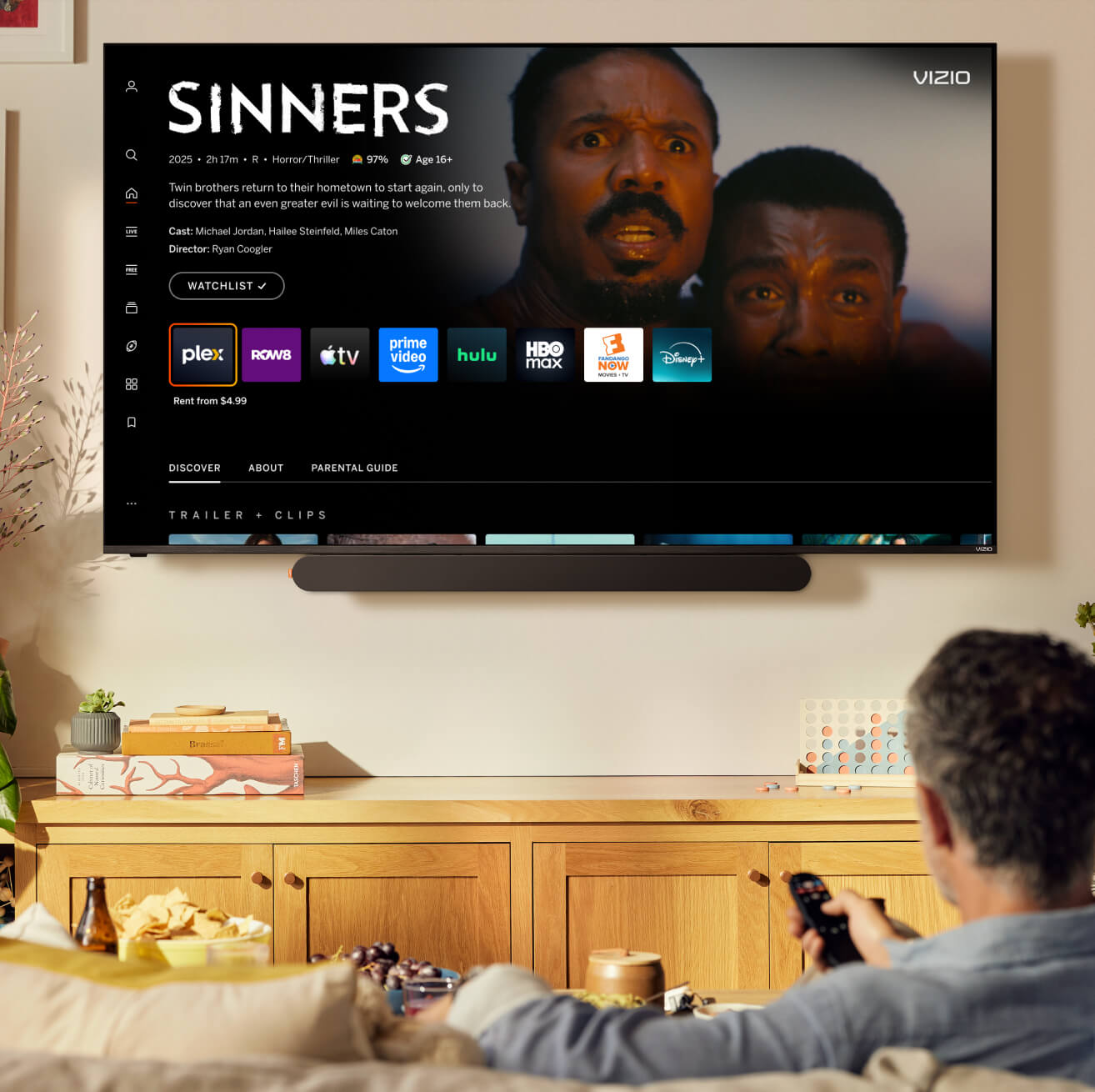
Buy and rent with ease
Quickly and securely buy or rent your movies and shows with your saved payment info.
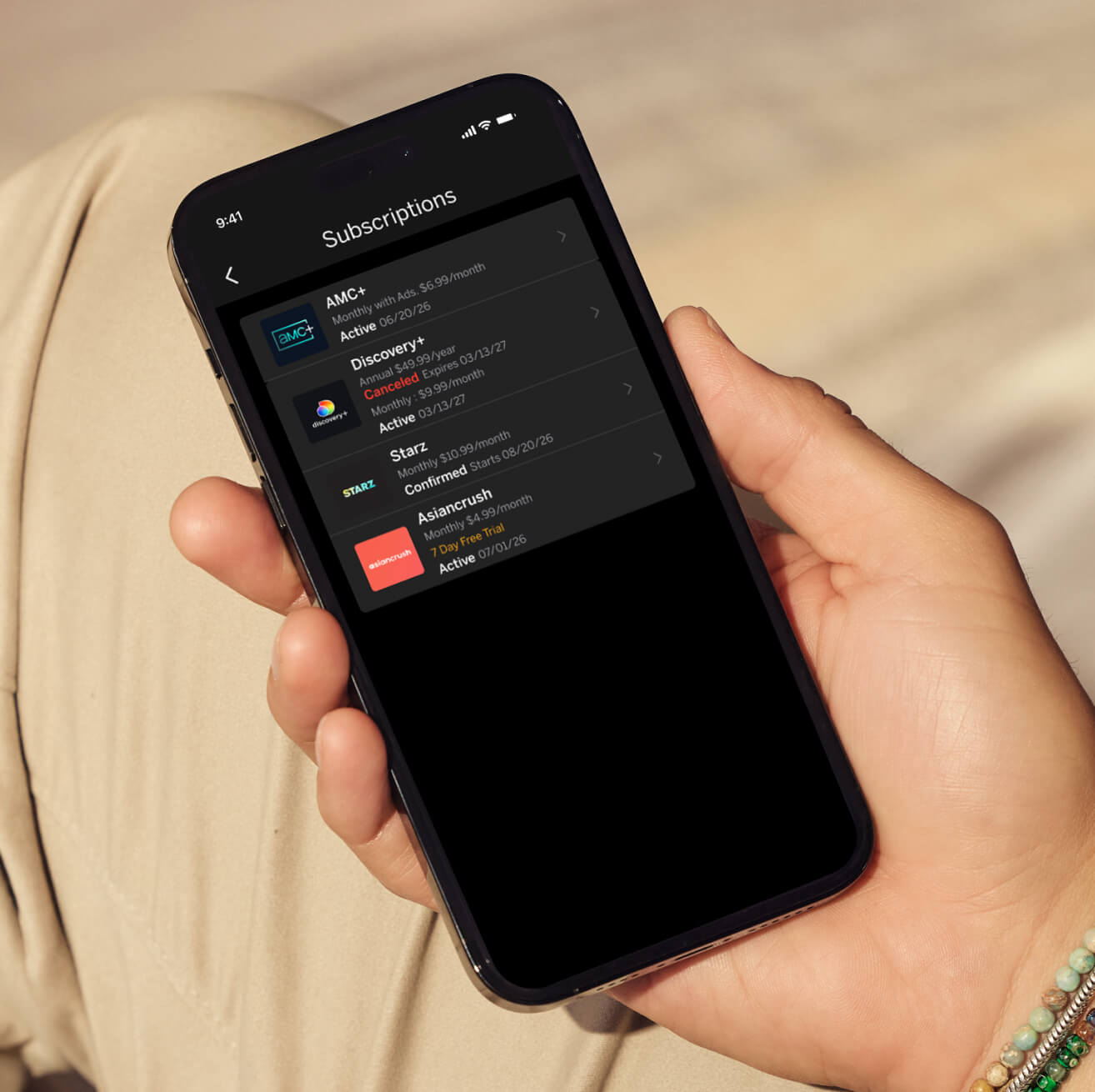
Simplify subscription management
Manage all your subscriptions in one place.

Your personal
support team
Get faster responses and tailored solutions with priority support via text, chat, and phone.

Key features

Seamless shopping
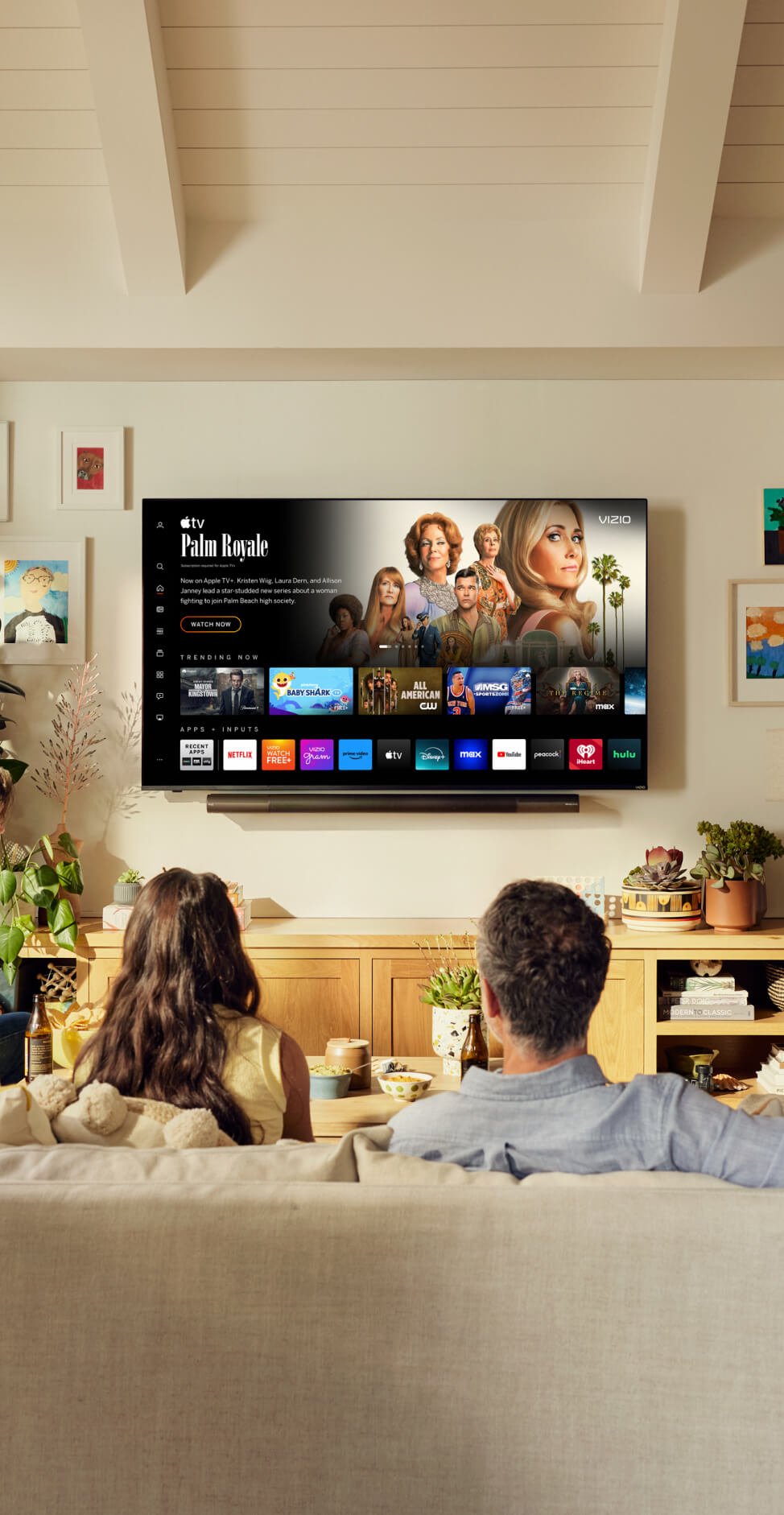
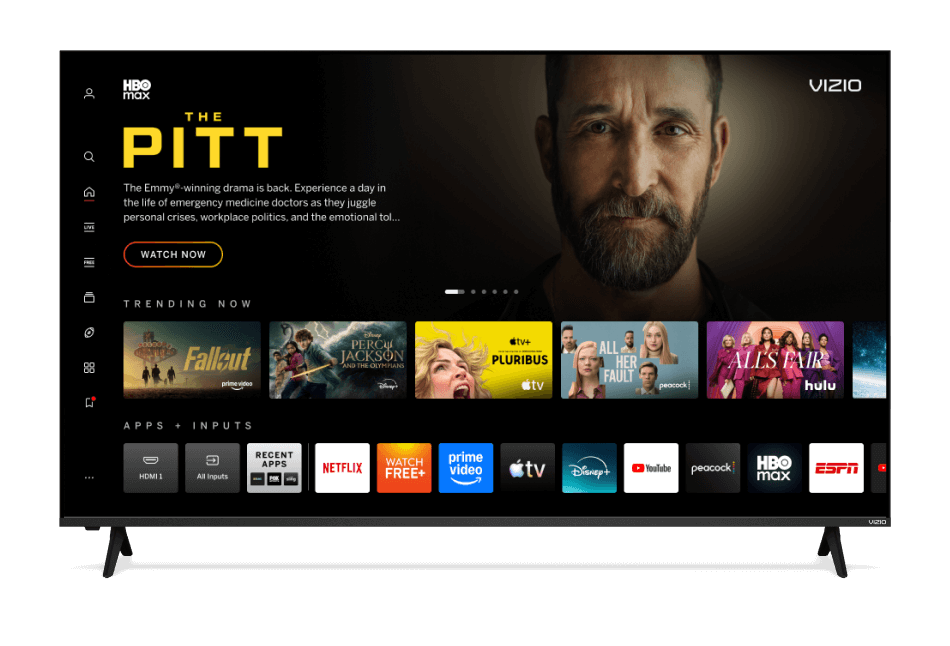
Easily buy and stream content on your VIZIO TV with your connected payment method.

Stream on the go
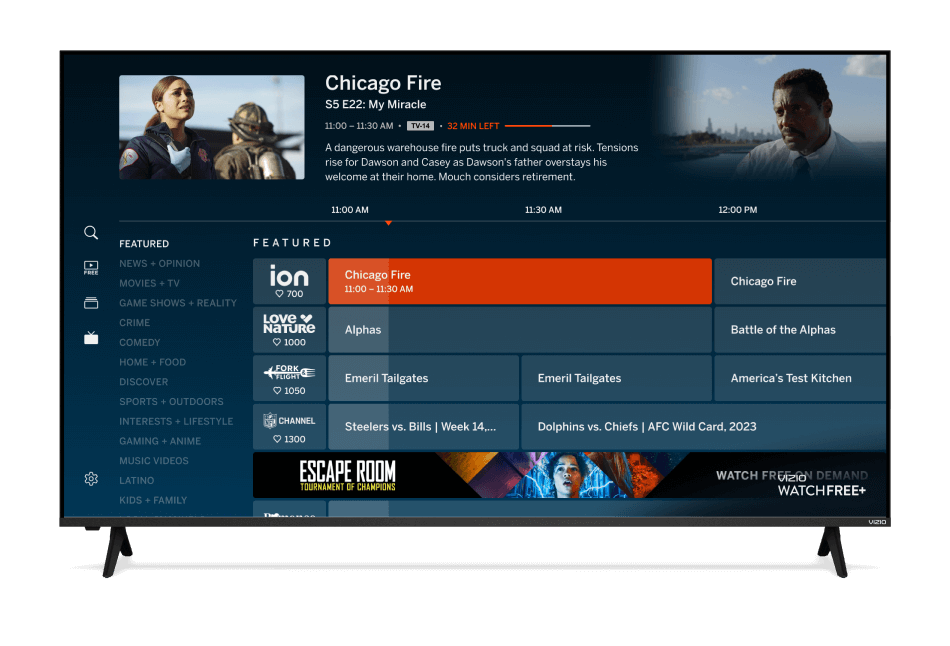
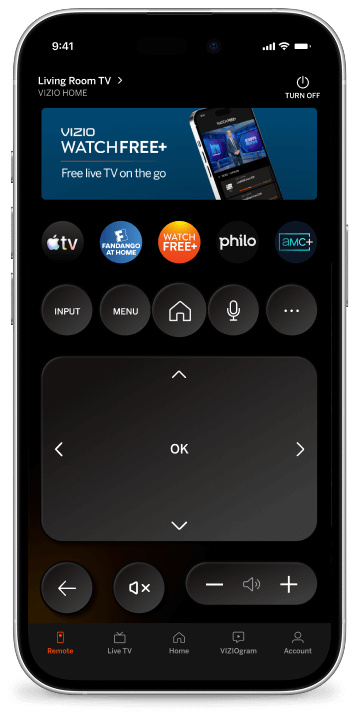
Control your VIZIO TV, launch content, and watch WatchFree+ anywhere with the VIZIO mobile app.

Subscriptions simplified
Manage all your app subscriptions in one centralized place.

Priority support
Experience faster, personalized support tailored to your VIZIO TV setup and history.

Member perks
Access special offers and credits on streaming services.

Can’t-miss offers
Receive discounts on other VIZIO products that you won't find elsewhere.
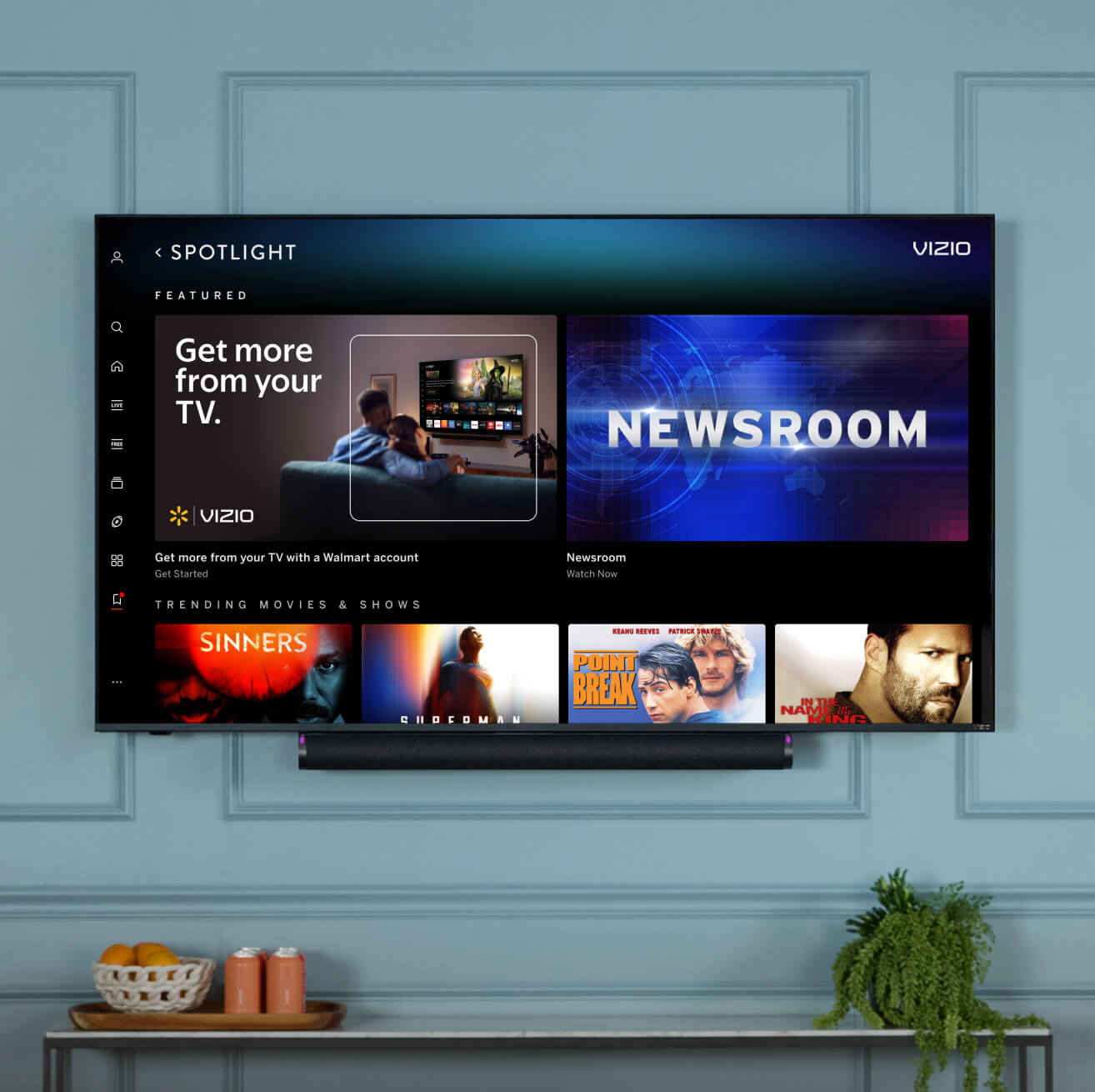
3 easy steps to connect your TV to a Walmart account
-

Go to My Hub on your VIZIO TV
You’ll find it on the left menu bar
-

Scan QR code
Click "Connect your Walmart account" and scan the QR code on the TV with your phone
-

Complete final steps
The QR code will take you to a screen to create or sign in to a Walmart account
-
-
Chat with our product pros.
Sometimes figuring out smart devices takes a little help from your friends.