









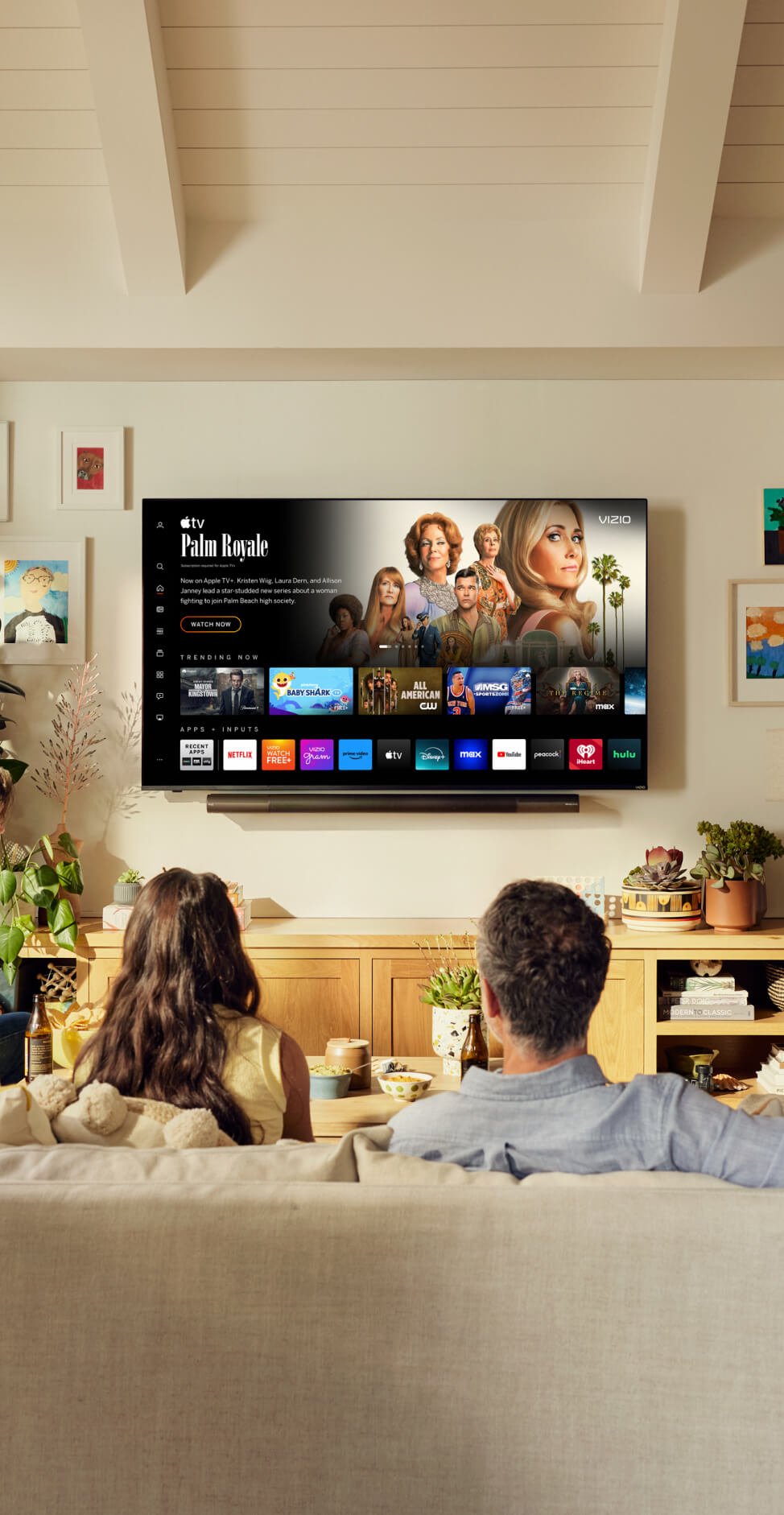










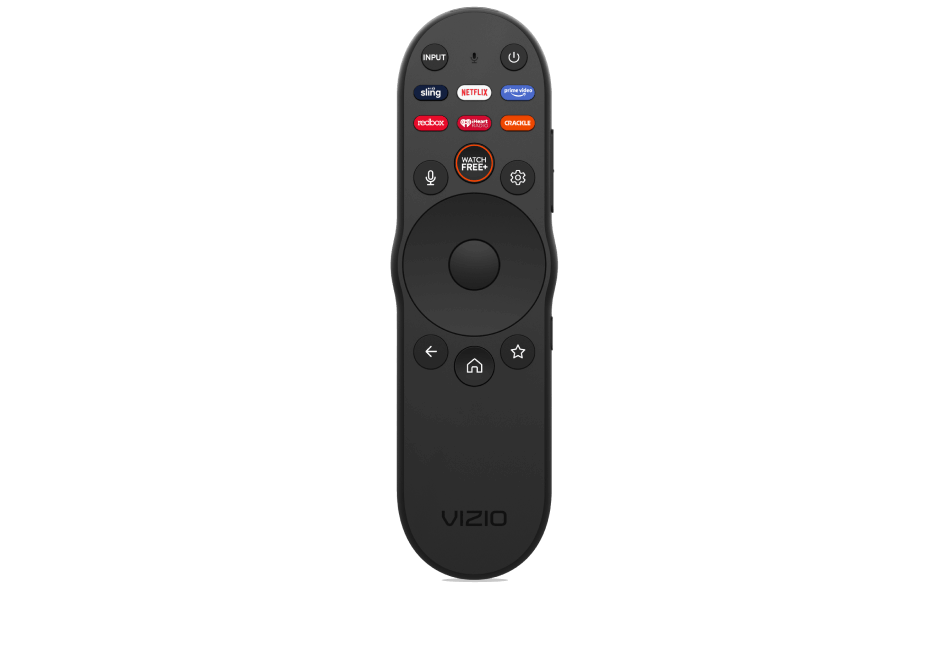

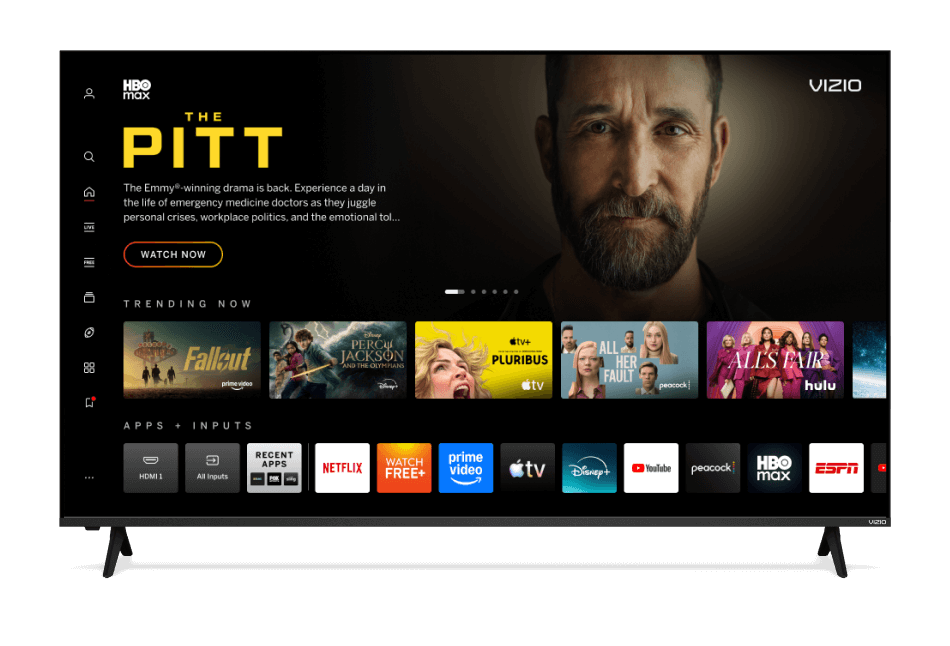

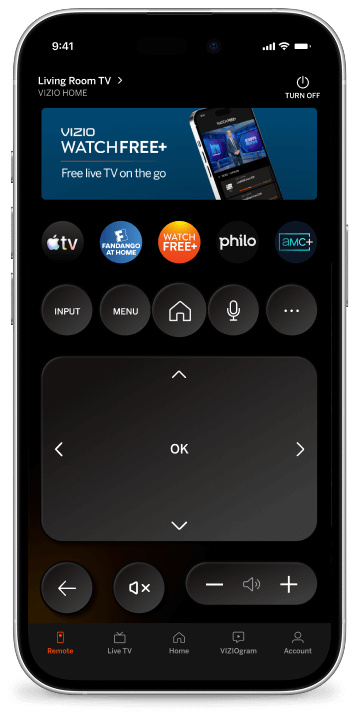



Football season moves fast, and scrolling through on-screen menus while the clock is ticking shouldn’t keep you from kickoff. This year, you can take complete control of your TV with your voice remote and mobile app.
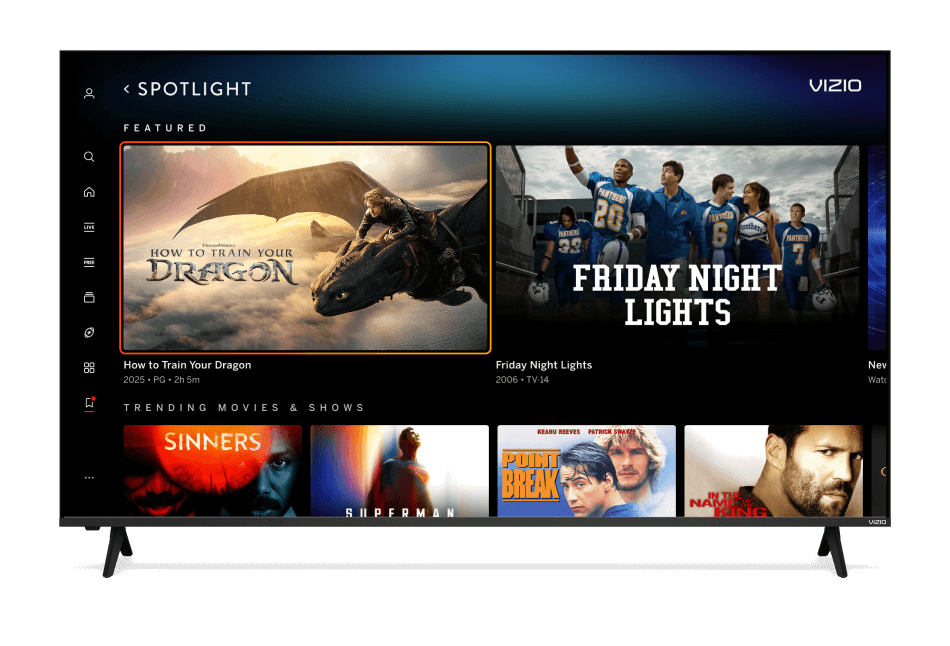
Whether you’re checking where to stream tonight’s rivalry matchup or looking for an iconic sports drama to keep the momentum going after the final whistle, VIZIO’s enhanced voice search makes it easy. Just press, speak, and let your voice remote handle the play.
“Where’s the game on?” Just Ask.
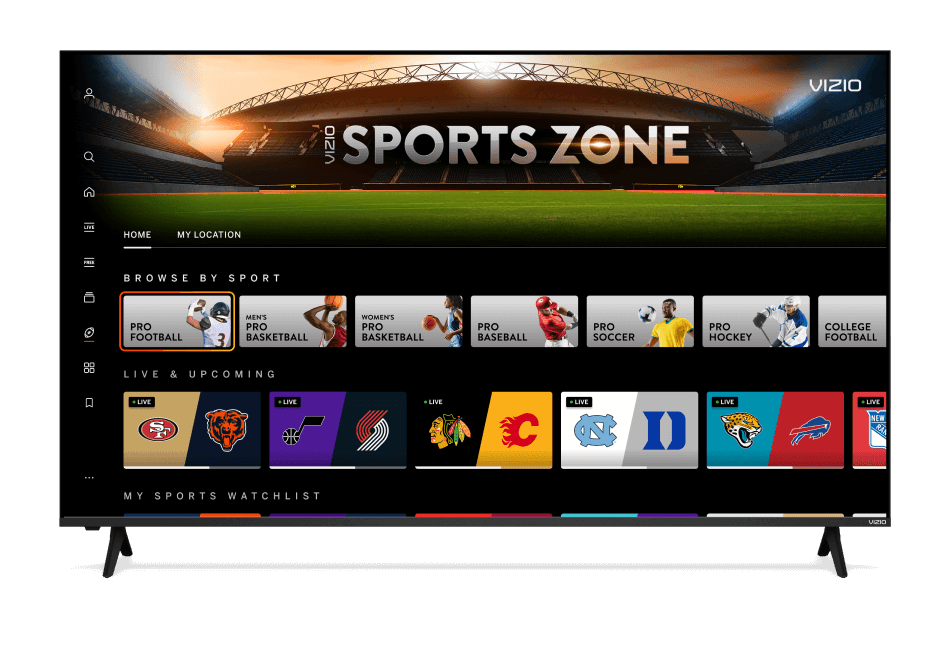
VIZIO’s voice search understands natural, everyday language. Instead of searching for exact titles or navigating endless app menus, you can describe what you want to watch just like you’re talking to a friend. Voice search then references live channels, sports streaming apps, and On Demand movies and shows to help you find football content quickly. It also opens Sports Zone, where you’ll find everything football, all in one place. That means less time searching and more time locked into the action.
Example voice prompts
“Where can I watch the game"
“Open Sports Zone”
“High school football series”
“College football movies”
“Football talk shows”
“Open ESPN app”
“Volume up”
Stop browsing. Start streaming.
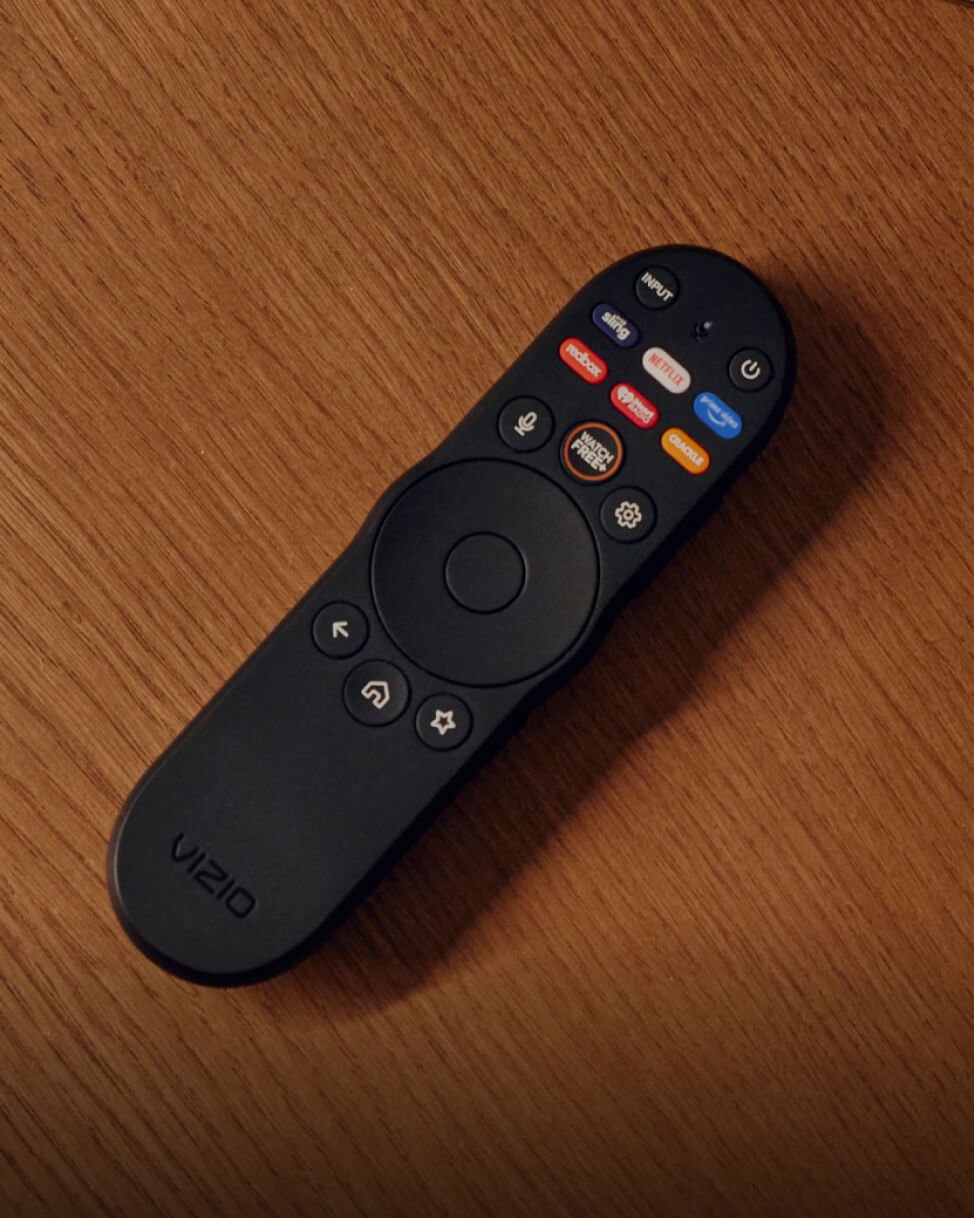
You don’t need to memorize exact titles, app names, or channel numbers to get to your coverage. Speak into your VIZIO voice remote or tap the mic icon in the mobile app to let enhanced voice search bring everything football, directly to your screen.
Ready to try it out? Grab your remote or open the VIZIO mobile app, press the mic button, and ask: “Where’s the game on?”. We’ll see you on the sidelines!